






- Elevation
- Waypoints
- Segments
- Surface type
- Grade
- Speed
- Heart Rate
- Cadence
- Power
- Temperature
Editor de tracks GPX gratuito y online: dibuja rutas de senderismo, añade waypoints, revisa el perfil de elevación y exporta tu track a formato GPX directamente desde el navegador, sin registro.
Is GEPYX free to use? Yes — GEPYX is completely free, with no account or sign-up required.
Do I need to create an account? No. Everything runs directly in your browser, with no sign-up.
Where are my tracks and waypoints stored? Locally, in your own browser. Nothing is uploaded to any server — clearing your browser data or switching devices removes them, so export to GPX or KML to keep a copy.
Can I edit waypoints and check the elevation profile? Yes. Add, edit and reorder waypoints, and see a live elevation profile as you draw or import a track.
What formats can I export to? GPX, KML and TCX.
Can I import an existing GPX track? Yes. Import a GPX file to edit it, reverse its direction, simplify it, or keep tracing from where it ends.
Is there a difference between the mobile and desktop version? Yes. Desktop is the full editor — draw routes by hand, generate them automatically, and fine-tune waypoints and the elevation profile. Mobile is built for the field: import a track to follow it, or record a new one live via GPS, with lighter editing tools.
How does GEPYX work on mobile? Import a GPX to follow it, or start a new track and GEPYX records your route live via GPS as you move, with pause/resume, waypoints on the go and live stats. You can also rename tracks, set their activity and difficulty, and manage map layers.
How does GEPYX work on desktop? Draw a route by hand or generate one automatically, then fine-tune it: add and style waypoints, watch the elevation profile update live, simplify the line, merge tracks, and export to GPX, KML or TCX.
Is GEPYX easy to use? Yes. There's nothing to install — open it in your browser, draw or import a track, and start editing. No account and no learning curve.

GEPYX is a track editor.
Create and follow your tracks on mobile.
For full editing, use desktop for the best experience.
Plan, edit and enjoy yours tracks
GEPYX is a track editor.
Enjoy editing and planning your routes.
Desktop mode you can edit and create new tracks.
Mobile version you can follow your new track.

00.0
velocidad km/h
00.00.00
Tiempo
0000
Distancia km.
0000
Altitud m.
00.00.00
Tiempo mov.
0.0%
Pendiente
0.00
velocidad max. km/h
0.00
velocidad med. km/h
0
Cota máx. m.
0
Cota min. m.
—
Temperatura ºC
0
Calorías kcal.
—
—
—
--:--
—
ROUTE FINISHED
Check your summary below and
export it as GPX, or delete it.

SETTINGS

Design & develop Nunatack
© 2026
Difficulty
Rating
Color
— °
—, —
— m altitude
When you get home, edit your tracks on your PC
a
better experience on a big screen
or create a new track for your next route.
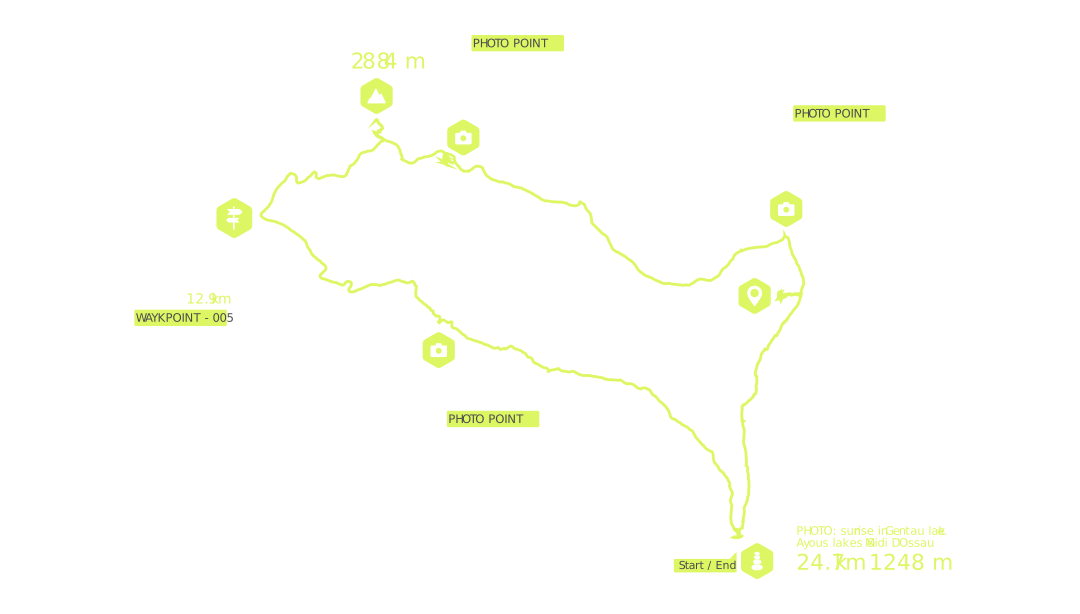
On the desktop editor you can draw routes point by point with automatic snapping to paths and trails (BRouter), cut, split and join tracks, reverse their direction and move or delete individual points. You get the full elevation profile with gradient, speed and climb detection, a segments table, and the surface type breakdown of the route. You can also place and edit waypoints with all their icons, import photos to geotag them, look up nearby places on OpenStreetMap, check the weather forecast along the route, compare two tracks side by side, and export everything as a ready-to-use GPX.

Create and edit your routes with ease: draw tracks, fine-tune waypoints, adjust your lines and export a ready-to-use GPX. GEPYX is a free tool. If you find it useful, please consider supporting the project your help keeps it running and improving. Thanks for being part of it!
Use at your own risk: GEPYX is not responsible for any route generated, suggested, edited or imported with this tool. Make good use of it, enjoy the journey, and never put your life or your group's at risk. Carry the right gear for the activity, check the weather forecast, and honestly assess your own fitness and that of everyone in your group.
Privacy: your tracks and waypoints stay on this device nothing is uploaded to any server or account. To draw routes, check elevation and look up places, the app talks directly to free public map services (OpenStreetMap, BRouter, Open-Meteo and similar); we don't collect any personal data beyond what you choose to send us through the contact form.
No sign-up, no cloud sync: everything you create is saved locally in your browser. That also means clearing your browser data or switching devices will remove your tracks export to GPX or KML often to keep a copy.
Design & develop Nunatack
© 2026
Please rotate your device back to portrait to keep using GEPYX.