Plan. Edit. Export Español

Create. Edit.
Export to GPX

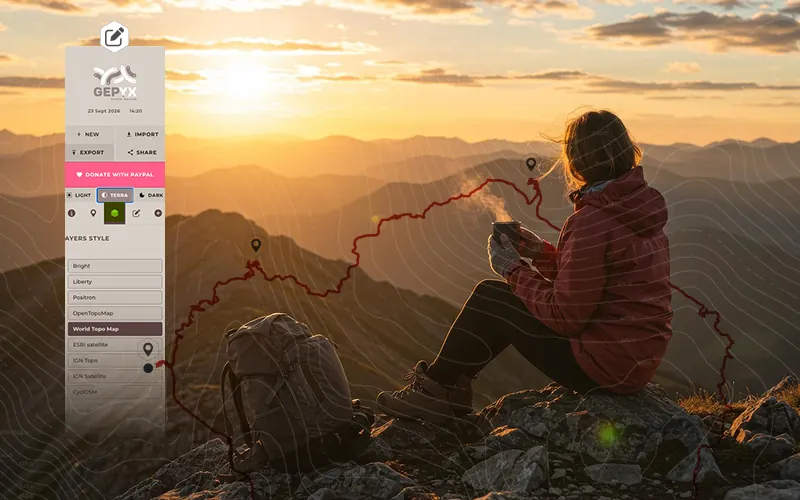
You have just come back from that epic hike. The route was incredible, the photos spectacular, but... going through the track you find that you wandered off course, that you lingered too long at that viewpoint shooting the sunset, that there are dead spots, and you want to add waypoints so your track shows exactly what you lived and looks the part. Improve it or build it from scratch with GEPYX.

GEPYX is free, but keeping it running is not: map servers, elevation data and the domain are paid for every month. If you find it useful, a donation helps keep it going.

On desktop

GEPYX was born as a powerful GPX route editor to be used from the comfort of your big desktop screen, coffee in hand. Nothing to install, no sign-ups, no user accounts, so you can focus on what matters: the route.

On desktop you get the full editor: draw the route point by point or generate it automatically, fine-tune the line, simplify it, merge tracks and watch the elevation profile recalculate instantly.

Create your route
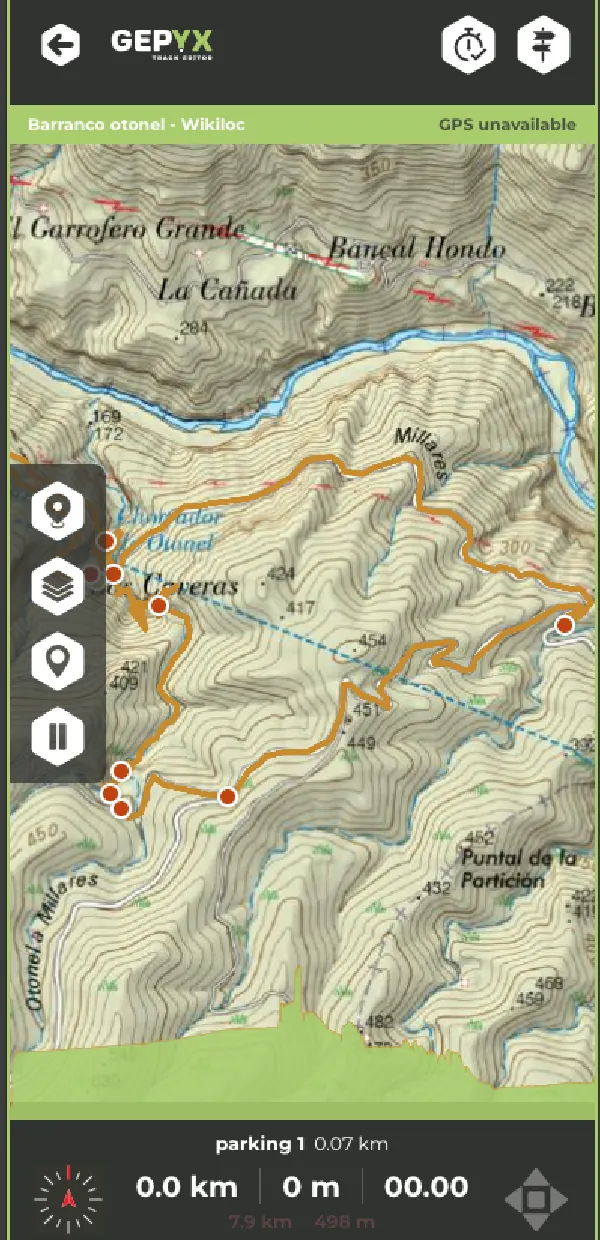

GEPYX on a phone, following a route

On mobile

Import your track and follow the route on the map, or start a new one and let your phone record it by GPS as you walk, with pause, resume and live stats. Waypoints go in on the move, without losing the thread of the trail.

GEPYX was not originally meant for this, but the need came up and a webapp soon followed, to let you follow and create tracks from your phone. There is still a long way to go before GEPYX becomes a true app.

Available on the App Store Available on Google Play

Bring your track into GEPYX. Edit it freely

Remove unnecessary points, fix detours, change colours, perfect your waypoints. Give your track the quality it deserves before sharing it. Because your route is more than data: it is the proof that you were there.

But planning does not end with the track. Check the weather to know what conditions await, pick your routes around sunset if you are after that golden light, look up the moon phases for your nights out under the stars. GEPYX brings together everything you need in one place. Plan your routes like a pro and carry all the information with you, so your next trip is one to remember.

Create your route
Available on the App Store Available on Google Play

There is still a long way to go. GEPYX keeps evolving and improving, walking towards becoming a true app. If you like where this is heading, back it.

GEPYX panel SEARCH

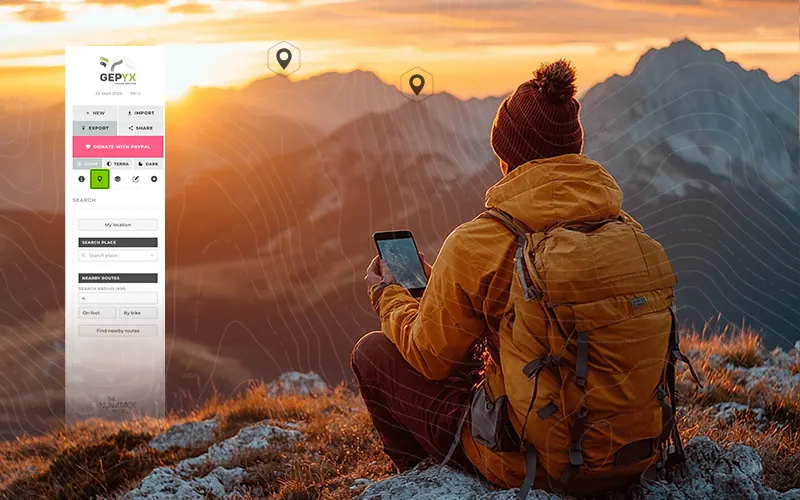
Search for any place by name and centre the map on it, without losing the track you already have open. Handy to get your bearings in the area before you start drawing, or to jump straight to where the route begins.

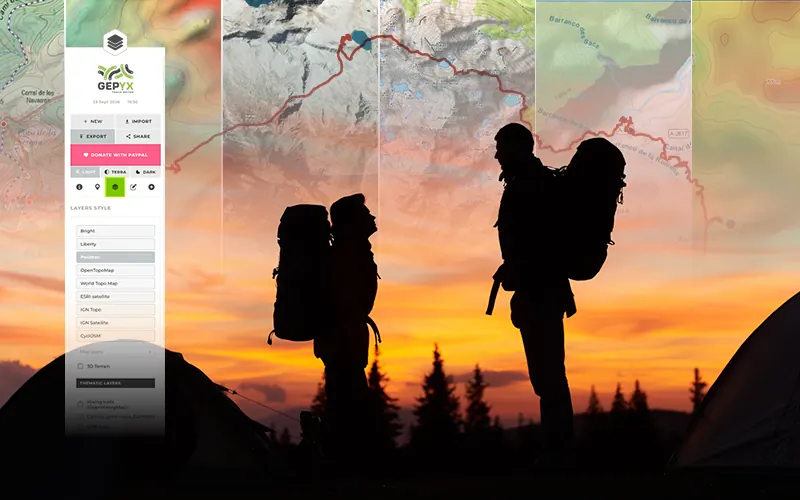
GEPYX panel LAYERS

Switch the base map between topographic, satellite and hiking cartography: OpenTopoMap, ESRI, IGN or CyclOSM, among others. Add contour lines, colour the track by gradient and turn on thematic layers such as rivers, vegetation or trails.

GEPYX panel EDIT

This is where everything gets fixed: move or delete points, simplify the line, reverse the direction, split the route into stages or merge several tracks into one. With undo and redo at every step, so you can experiment without fear of breaking anything.

GEPYX panel CREATE

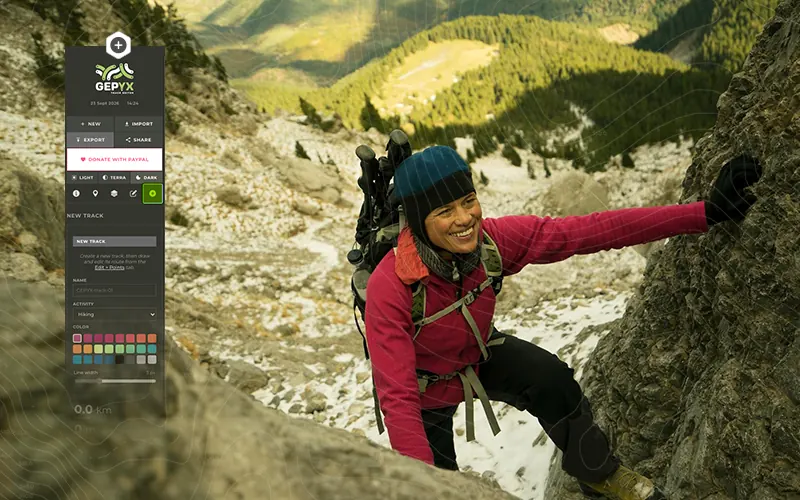
Start a track from scratch: draw freehand or let the line follow existing trails on its own. It can also generate a route for you — a loop or point to point — from a starting point, the activity and the distance range you ask for.

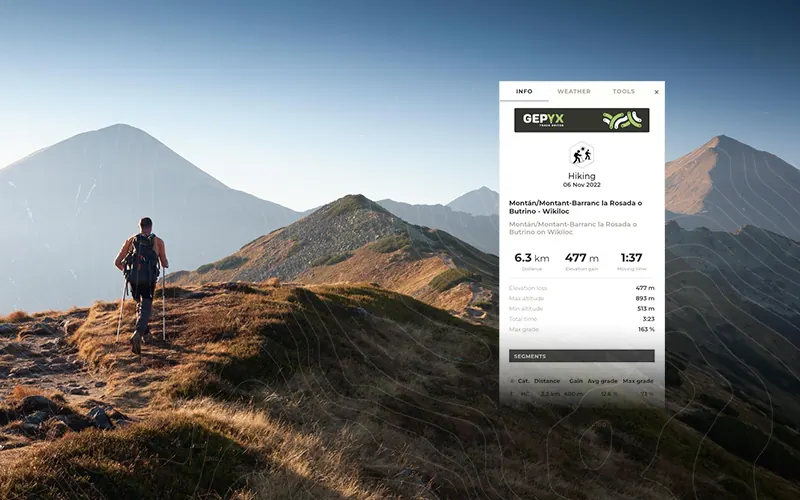
GEPYX panel INFO

The route summary as you work: distance, total ascent, minimum and maximum altitude, and moving time against total time. Everything recalculates instantly with each change you make to the line.

GEPYX panel METEO

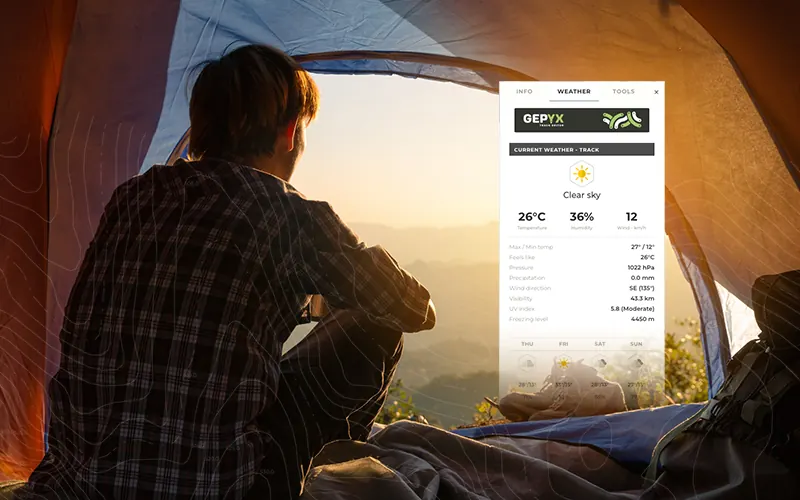
Check the forecast at any point of the route before you leave: temperature, wind, rainfall, humidity and UV index. It includes sunrise and sunset times, so you can work out how much daylight you have left.

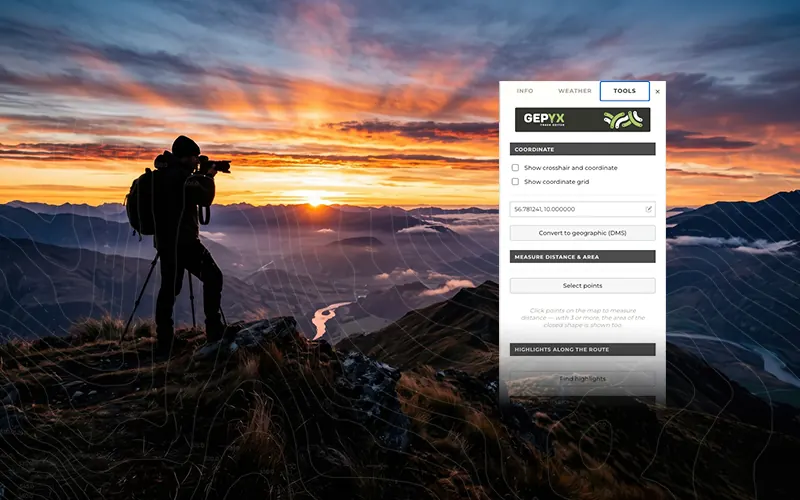
GEPYX panel TOOLS

The toolbox: measure distances and areas on the map, convert coordinates, break down the surface types along the route, compare two tracks against each other and geotag your photos from the time they were taken.

Your next route starts here.

GEPYX on desktop and mobile,
each built for its own job

GEPYX on desktop

Plan and edit in depth, at your own pace

  • Included: Full route editing suite
  • Included: Point-by-point drawing and auto-routing along trails
  • Included: Loop or point-to-point route generator
  • Included: Simplify, reverse, split and merge tracks
  • Included: Waypoints with over a hundred icons
  • Included: Interactive elevation profile
  • Included: Weather, sun and moon along the route
  • Included: Measure distances, areas and surface type
  • Included: Geotag photos by their timestamp
  • Included: Export to GPX, KML and TCX
  • Not available: GPS recording while you walk
  • Not available: Compass and live route following

GEPYX on mobile

Take it to the mountains

  • Included: Follow the route on the map
  • Included: GPS recording with pause and resume
  • Included: Live stats while you walk
  • Included: Compass oriented to the route
  • Included: Waypoints on the move
  • Included: Track, waypoint and segment lists
  • Included: Map layers and route weather
  • Included: Import and create tracks
  • Not available: Interactive elevation profile
  • Not available: Automatic route generator
  • Not available: Measurement and surface tools
  • Not available: Advanced route editing
Coming soon on the App Store Coming soon on Google Play

There is still a long way to go. GEPYX keeps evolving and improving, walking towards becoming a true app. If you like where this is heading, back it.

Frequently asked questions

Do I need to sign up or pay?

No. GEPYX is free and asks for no account, no email and no install: you open the editor in your browser and start working.

Where are my routes stored?

On your own device. Tracks are never uploaded to any server, so they only exist in the browser you are using. Export the file whenever you want to keep it or move it to another computer.

Which formats can I export to?

GPX, KML and TCX, ready for your GPS, your watch or whichever app you normally use.

Can I import a GPX file I already have?

Yes. You can import it and carry on editing: reverse it, trim it, merge several tracks or keep drawing from where it ends.

Does it work offline?

Yes, once you have loaded it at least once while online. From then on the editor still opens even when you are out in the field with no signal.

Do I have to draw the route point by point?

Only if you want to. You can draw freehand or let the route follow existing trails on its own, then adjust the line or simplify it.