
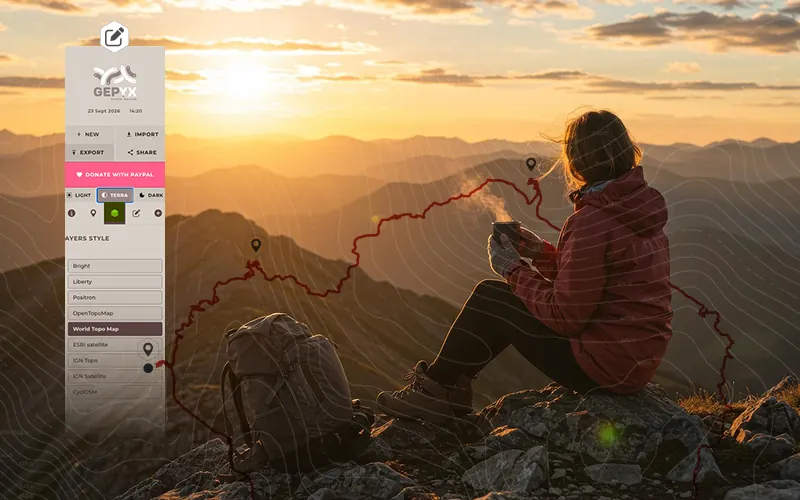
What is a GPX file
GPX stands for GPS Exchange Format, an open file format designed to store and exchange GPS position data between devices and apps. Under the hood it's a plain text file in XML format, so any program — even a text editor — can read it without needing proprietary software.
It was created specifically to stop every GPS manufacturer or app from using its own closed format: a GPX file exported from a Garmin watch can be opened on a Suunto, in Google Earth, or in an editor like GEPYX without any weird conversions.
What data a GPX file stores
A GPX file can hold three types of information, usually combined:
- Waypoints: individual points with coordinates, such as a summit, a water source or an important junction.
- Tracks: the actual route recorded by the GPS, point by point, in the exact sequence followed on the ground. It usually also includes the time of each point.
- Routes: the path planned before setting out, without needing to have walked it yet.
Besides coordinates (latitude and longitude), each point can carry elevation, and for recorded tracks, a timestamp too. That's what later allows calculating total ascent, average speed or the duration of the route.
Want to look inside one of your own GPX files? Open it and explore it on the map.
Open the GEPYX editorGPX vs KML vs TCX: what's the difference
All three are XML formats for geographic data, but they're not built for exactly the same purpose:
- GPX is focused on GPS routes and tracks: it's the one accepted by almost every sports watch, mountain GPS device and hiking app.
- KML (Keyhole Markup Language) is Google Earth and Google Maps' format, built more for map visualization than for exchange between sports devices.
- TCX (Training Center XML) is a Garmin format built for training: besides the route, it stores data like heart rate, cadence or power.
In practice, if you're uploading the route to a GPS device or a hiking app, GPX is almost always the most compatible choice. If you need to visualize it in Google Earth, go with KML. And if the destination is a training platform that uses heart-rate data, TCX.
How to open, create or edit a GPX file
Opening a GPX file just means importing it into any compatible app: Google Earth, Komoot, Strava or your own GPS device. But if you want to create a route from scratch, fix a track with errors or convert it to another format, you need an editor.
With GEPYX you can draw a route point by point or let it follow existing trails, add waypoints, check the elevation profile in real time, and export the result to GPX, KML or TCX, whichever you need. All from your browser, with nothing to install and no account to create.