
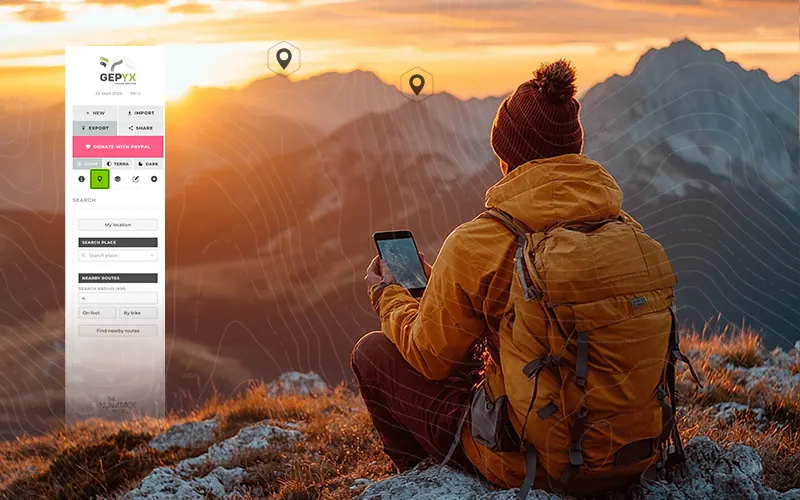
1. Open the editor, no accounts or install
GEPYX opens straight in your browser, on desktop or mobile. No email, no password, no app to download: you open it and the map is right there.
2. Draw the route
You have two ways to create it:
- By hand, point by point: click on the map and the track is drawn exactly where you want to go.
- Automatically: pick the activity and roughly how far you want to go, and GEPYX generates a loop or point-to-point route you can then adjust to your liking.
If you already have a GPX from a previous trip, you can also import it and keep editing from there: trim it, reverse it, or keep drawing from where it ends.
All of this happens in the editor, no account and no install. Start whenever you like.
Open the GEPYX editor3. Add waypoints for the important spots
Once the track is drawn, mark the points you want to flag along the way: a water source, a viewpoint, a confusing junction or the spot where you plan to stop for lunch. GEPYX has over a hundred icons so every waypoint is clear at a glance, and you can edit them one by one or in bulk.
4. Check the elevation profile
Before calling the route done, take a look at the elevation profile: it shows total ascent and gradients across the whole route, so you know whether it's actually manageable or whether it's worth shortening it. While you're there, you can also check the weather forecast and the sunrise and sunset times for the day you're heading out.
5. Export the route in the format you need
Once the track is ready, export it as GPX to load it onto almost any GPS device or hiking app, as KML if you want to view it in Google Earth, or as TCX if you're uploading it to a training platform. The file is generated entirely in your own browser and saved to your device: nothing gets uploaded to any server.
And if you lose signal halfway through planning, no problem: once loaded, GEPYX keeps working offline.